
POS Integration for WiFi Access PIN Generation
General description
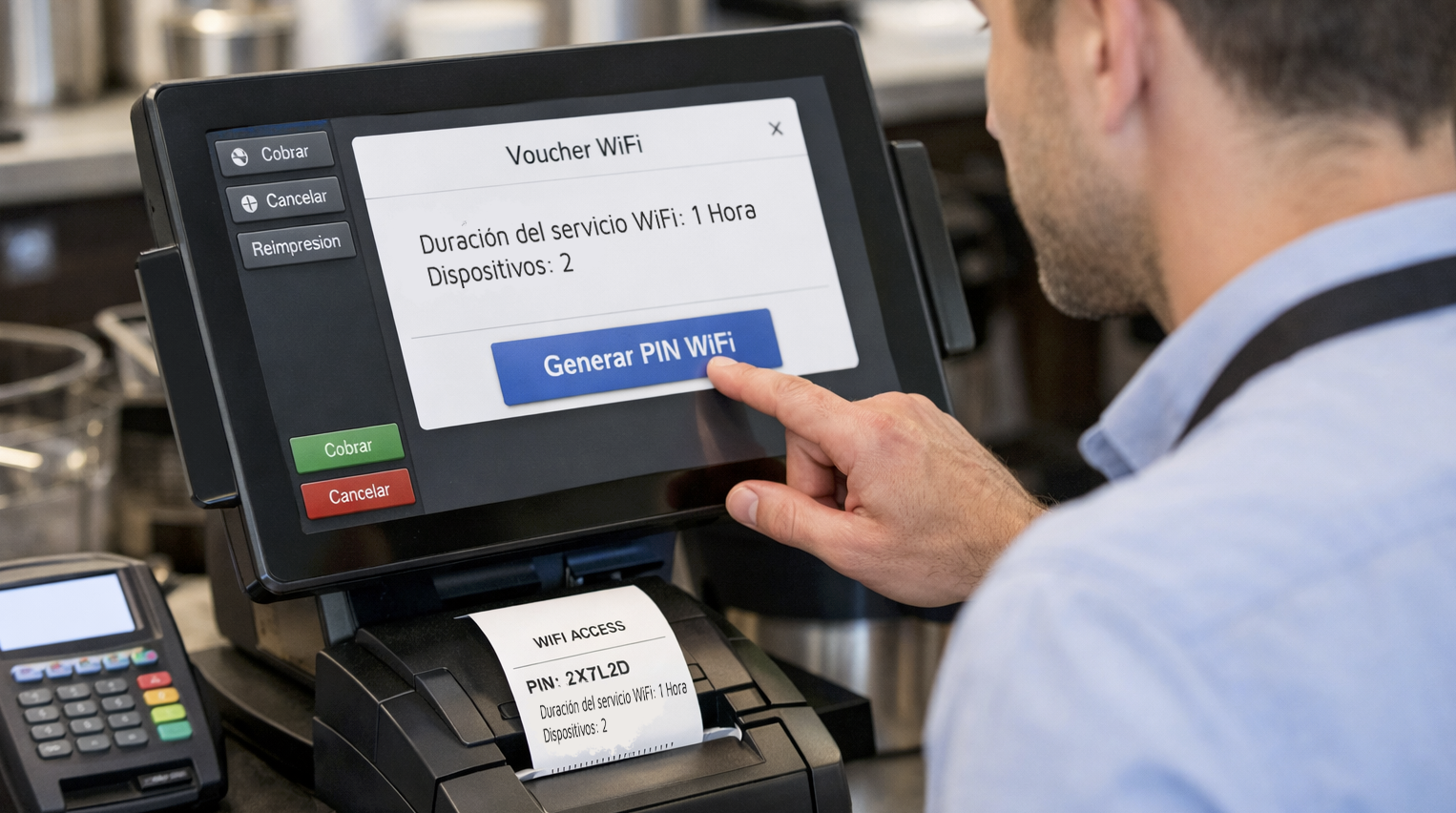
The integration with POS systems allows for the automatic generation of WiFi access PIN codes and their direct printing on the POS receipt. This functionality facilitates delivery to end users without staff intervention and without the need to access the WiFi.PRO Platform from a computer.
In most cases, the establishment’s staff does not see the PIN code, as it is printed automatically on the receipt that is later given to the user.
Printing the PIN on the receipt reduces errors and improves the user experience.
General Operation
The operational workflow is as follows:
-
- The operator performs an action on the POS (for example: pressing a button to create a receipt).
- The POS makes a call to the WiFi.PRO platform.
- The platform generates a WiFi access PIN code.
- The POS receives the response.
- The POS prints the PIN code on the receipt.
- The customer enters the PIN into the captive portal to access the WiFi network.
WiFi service configured within the POS itself
A specific item can be configured in the POS, for example:
-
-
- Duration (WiFi 30 minutes, WiFi 1 hour, WiFi Premium…)
- Number of devices (1, 2, 3…) that can connect using the same PIN code.By adding these details, the POS makes the call to the WiFi.PRO platform and the PIN is printed on the receipt.
-
Integration methods:
Basic Solution (GET URL)
This modality is intended for POS systems that only allow for a simple call to the WiFi.PRO Platform.
Features
-
- El servicio WiFi se define previamente en la plataforma WiFi.PRO
- El TPV no envía parámetros de servicio.
- La plataforma devuelve un PIN asociado al servicio preconfigurado.
Flujo técnico
-
- The WiFi service is predefined in the WiFi.PRO platform.
- The POS does not send service parameters.
- The platform returns a PIN associated with the preconfigured service.
Technical Flow
-
- The POS performs a GET call to the WiFi.PRO Platform.
- The platform generates a PIN with the predefined service.
- The POS prints the PIN on the receipt.
Limitations
-
- Does not allow for the definition of dynamic parameters (time, device limits).
- Basic security level.
Recommended Solution (API REST)
This modality is aimed at POS systems that allow for advanced integrations via REST API.
Features
-
- The POS can send service parameters (time, device limits).
- The platform applies internal logic to assign the appropriate service.
- PIN generation from the WiFi.PRO platform.
- Greater security and traceability.
Common Parameters
Depending on the integration, the POS can send:
-
- Access duration
- Number of allowed devices
Technical Flow
-
- The operator defines the service parameters.
- The POS makes a call to the WiFi.PRO REST API.
- The POS sends the service parameters.
- The platform validates the received data.
- The WiFi.PRO platform generates and sends the PIN to the POS.
- The POS prints the PIN on the receipt.
Operational Considerations
-
- PIN generation is managed from the WiFi.PRO platform, which enables the functionality for POS systems.
- The implementation of the integration, interface configuration, and activation method within the POS must be carried out by the establishment’s technical team.
- The POS interface depends on the manufacturer and the POS software used.
- The activation method depends on the manufacturer and the POS model.
-
- POS CompatibilityWiFi.PRO adapts the integration to the technical capabilities of each POS.
-
- RecommendationsIt is recommended to use the REST API integration whenever the POS allows it, as it offers greater security, flexibility, and scalability.