
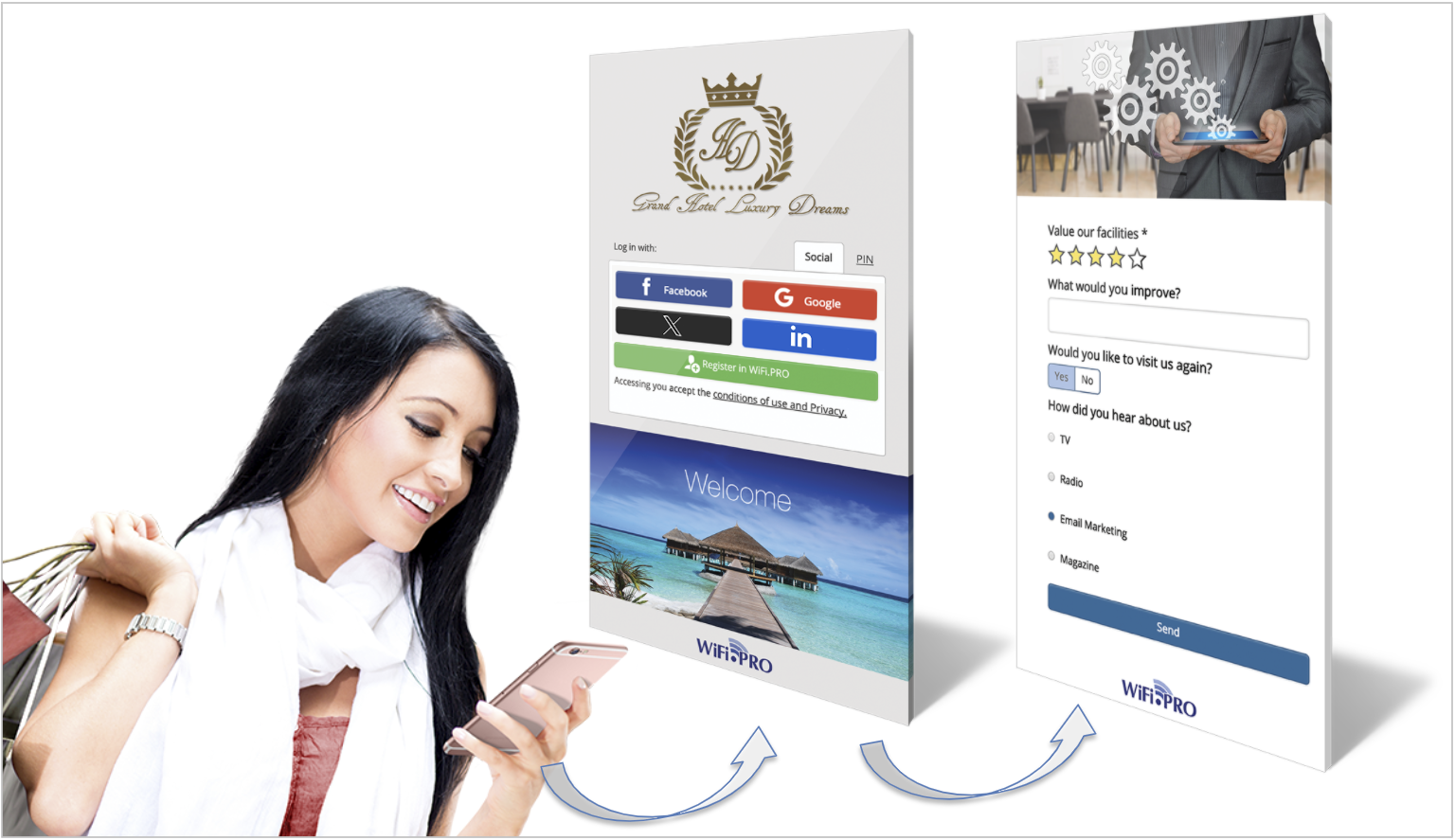
The form portal is a secondary page displayed after the captive portal once the user has logged in. Thanks to this tool, it is possible to conduct surveys and forms that provide specific and direct insights. Forms can also incorporate Smart Filter rules, allowing different forms to be shown to users based on their profiles. For example, a satisfaction survey can be set to appear only if it is the user’s first time visiting the establishment.
All form responses are recorded for subsequent analysis, turning them into a powerful measurement tool for marketing purposes.
See, Form Portal Design
Real-Time Ratings: The Feature Revolutionizing the Guest Experience

It is possible to know in real time when a guest answers a question on a form through the WiFi service.

React Immediately to Any Incident
If a guest indicates they have had a negative experience, the reception or housekeeping team can receive an immediate alert. This allows the staff to offer a solution before the guest posts a review or voices their dissatisfaction during check-out.
Improve Service Perception
When a customer sees that their feedback has been addressed promptly, their overall perception of the service improves significantly.
See, Form Portal Design