
Changes made to a portal take effect and are displayed in real-time on devices accessing the WiFi network; therefore, it is advised to work with extreme caution on an active portal.
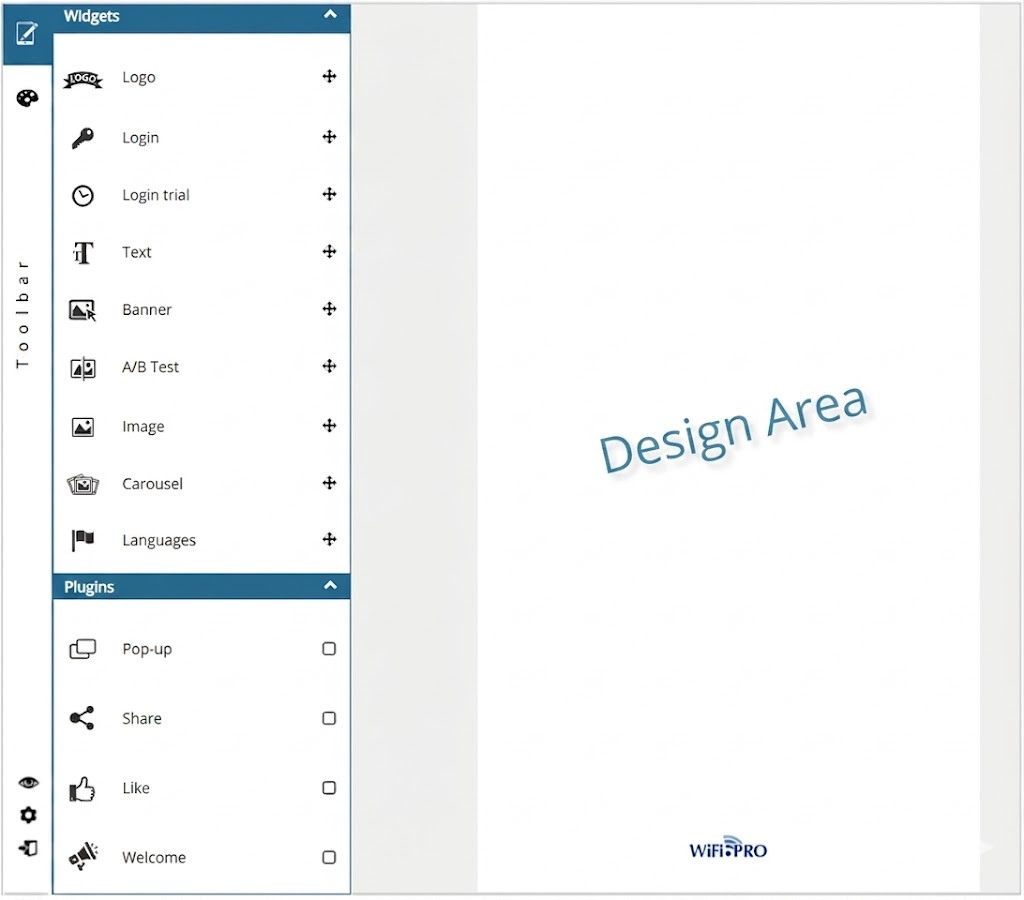 Portal editor module view. Toolbar and Design Area.
The captive portal design module is divided into two main areas:
Toolbar: Located on the left, it contains the Widgets and Plugins used to design the portal. It can also display tools to edit «styles.»
Design Area: In this area, you can visualize the progress of the design.