
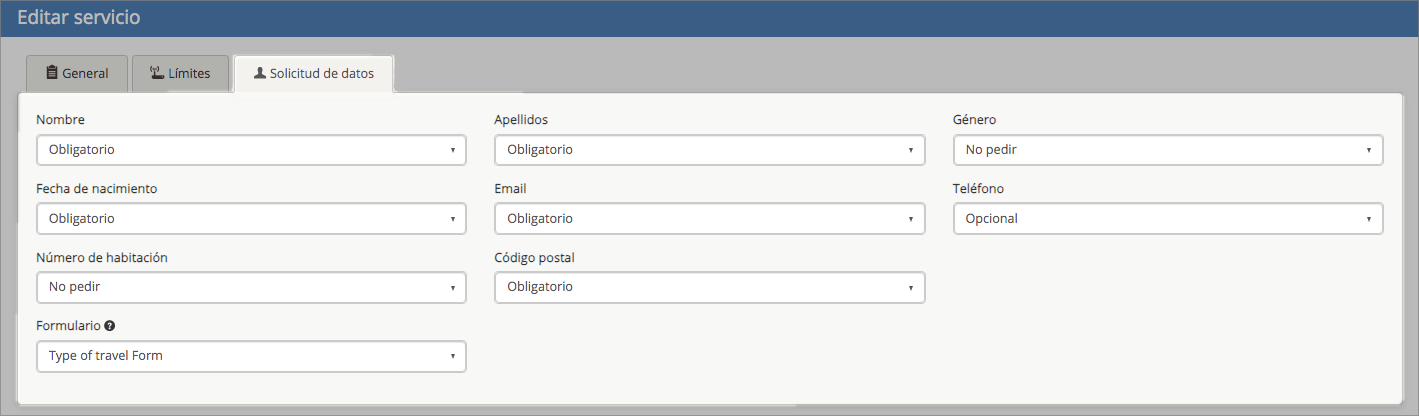
In the «Data Request» tab, you manage the fields that will be displayed to the user before they connect to the WiFi.
Each data request field (e.g., first name, last name, email, phone number, etc.) can be configured as mandatory or optional, allowing you to customize the WiFi access form according to your marketing or information collection goals.
Recommendations for Use
Determine which data points are essential for marketing or loyalty actions before making them mandatory.
Verify that legal and data protection consents are correctly configured (via the «LEGAL» tab in the venue settings).
Form
An additional custom-designed form with various functionalities can also be displayed after login. Go to «Portal form«.