
The Chain environment displays all available sites. The CHAIN dropdown menu provides the initial management options.
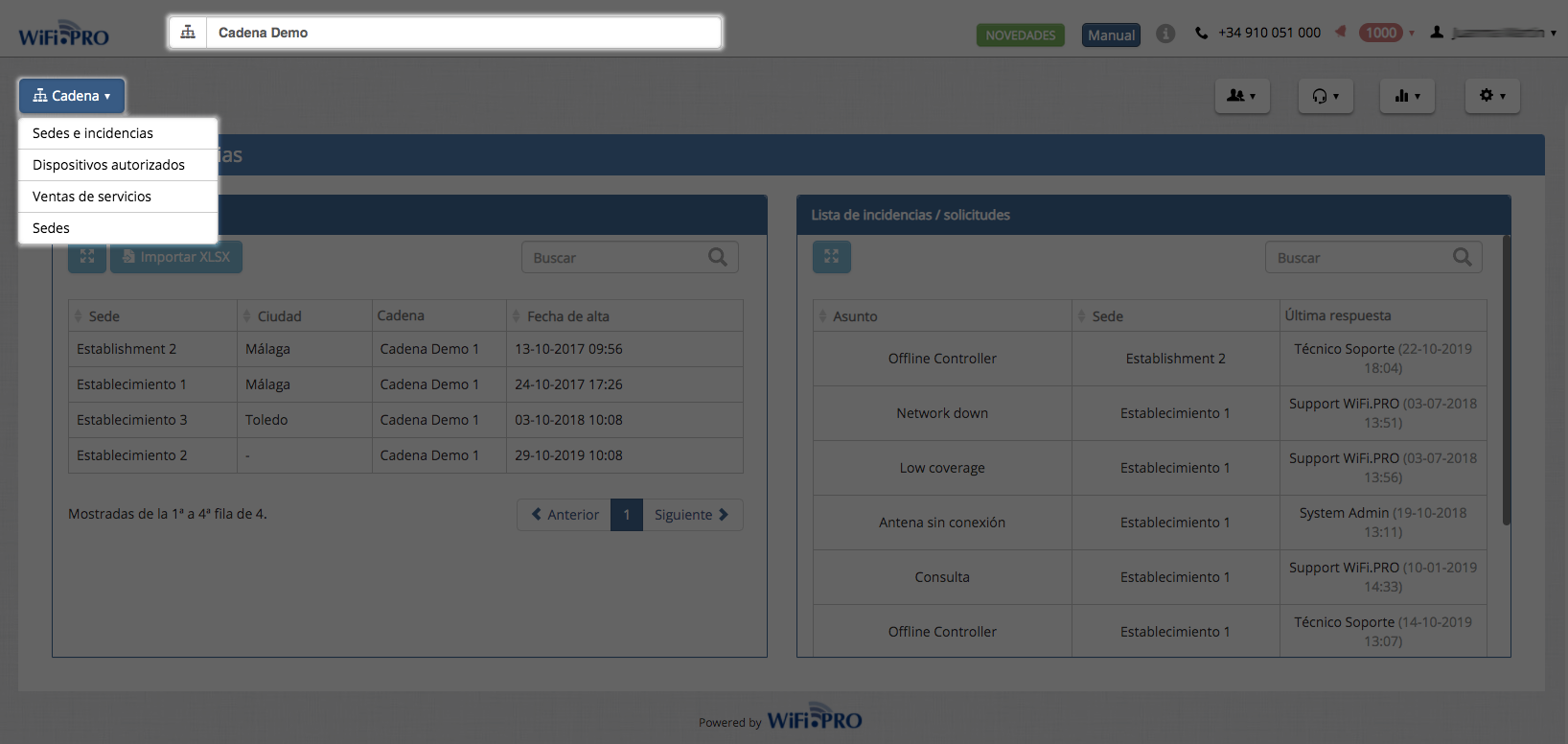 View of the dropdown menu: Chain.
Chain menu options
Sites and Incidents
Displays the list of sites belonging to the chain.
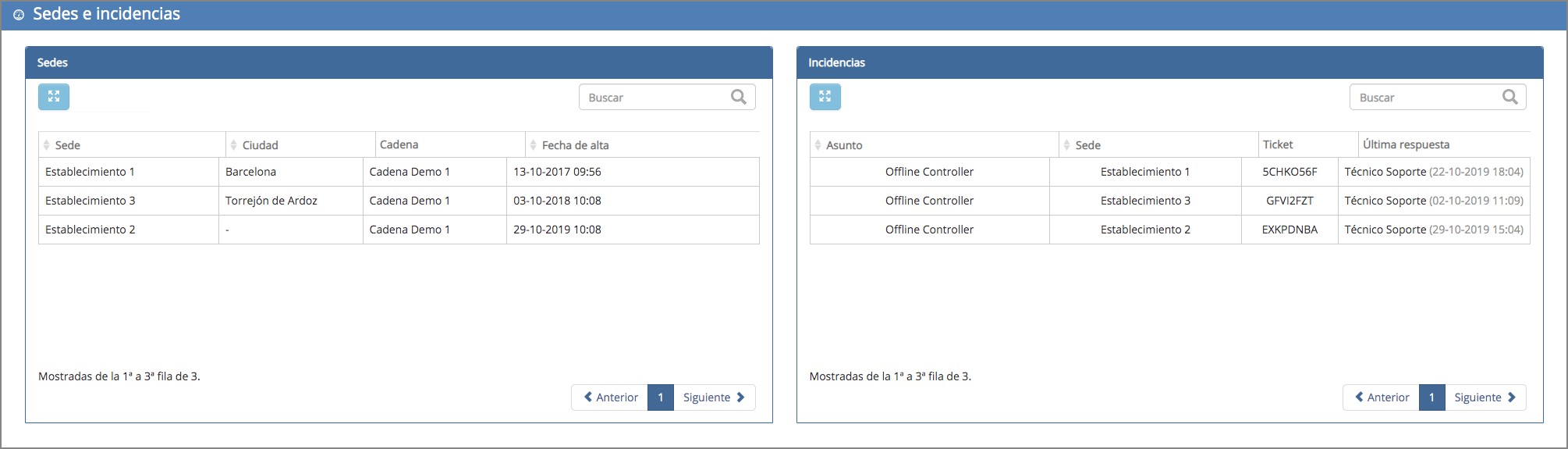
Authorized Devices
Allows the registration of one or multiple devices that can automatically connect to the WiFi at any site belonging to the chain. This can also be managed at an independent site level; in other words, each site can have its own authorized devices.
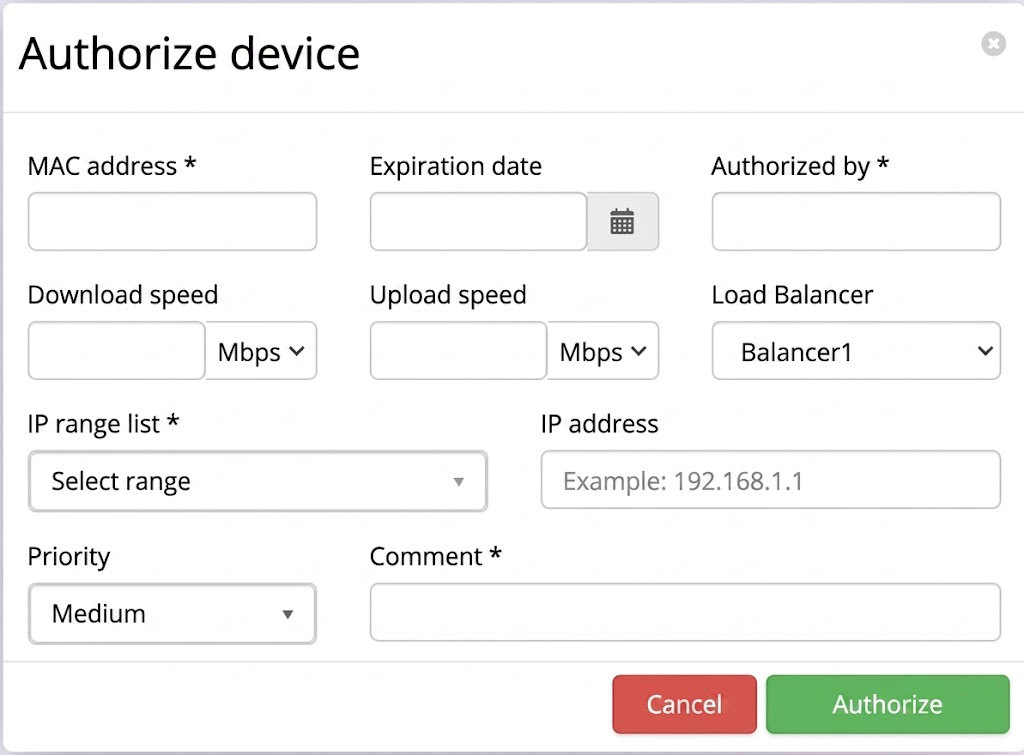
To register a device, data such as the device’s MAC address, expiration date, authorizer, download/upload speed, etc., must be provided.
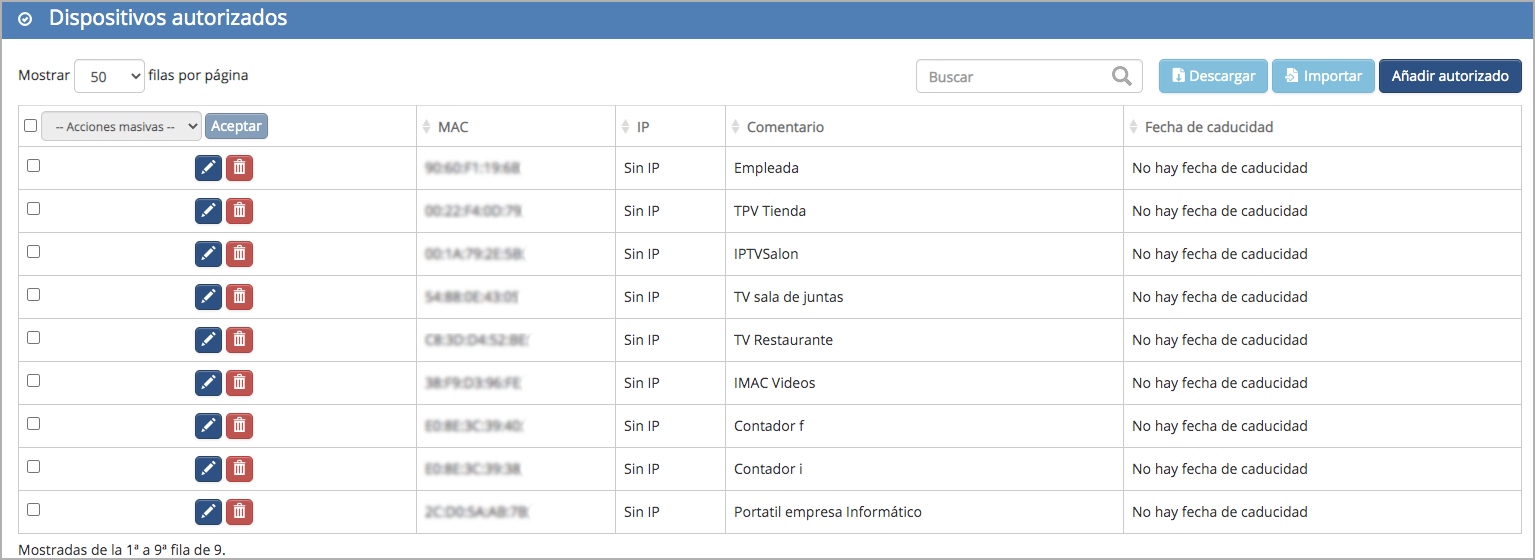
The Authorized Devices feature allows hotels to offer a secure, automatic WiFi connection for equipment that cannot use a captive portal, such as gaming consoles, baby monitors, or smart assistants. This improves the guest experience by allowing them to easily connect personal devices and helps hotel staff connect printers, POS terminals, or other operational equipment without interruptions.
Service Sales
Displays a list of transactions when offering a paid WiFi service, including data such as: service type, price, VAT, registration date, and total revenue. Within the Chain environment, a specific site must be selected to view its specific accounting data.
Sites
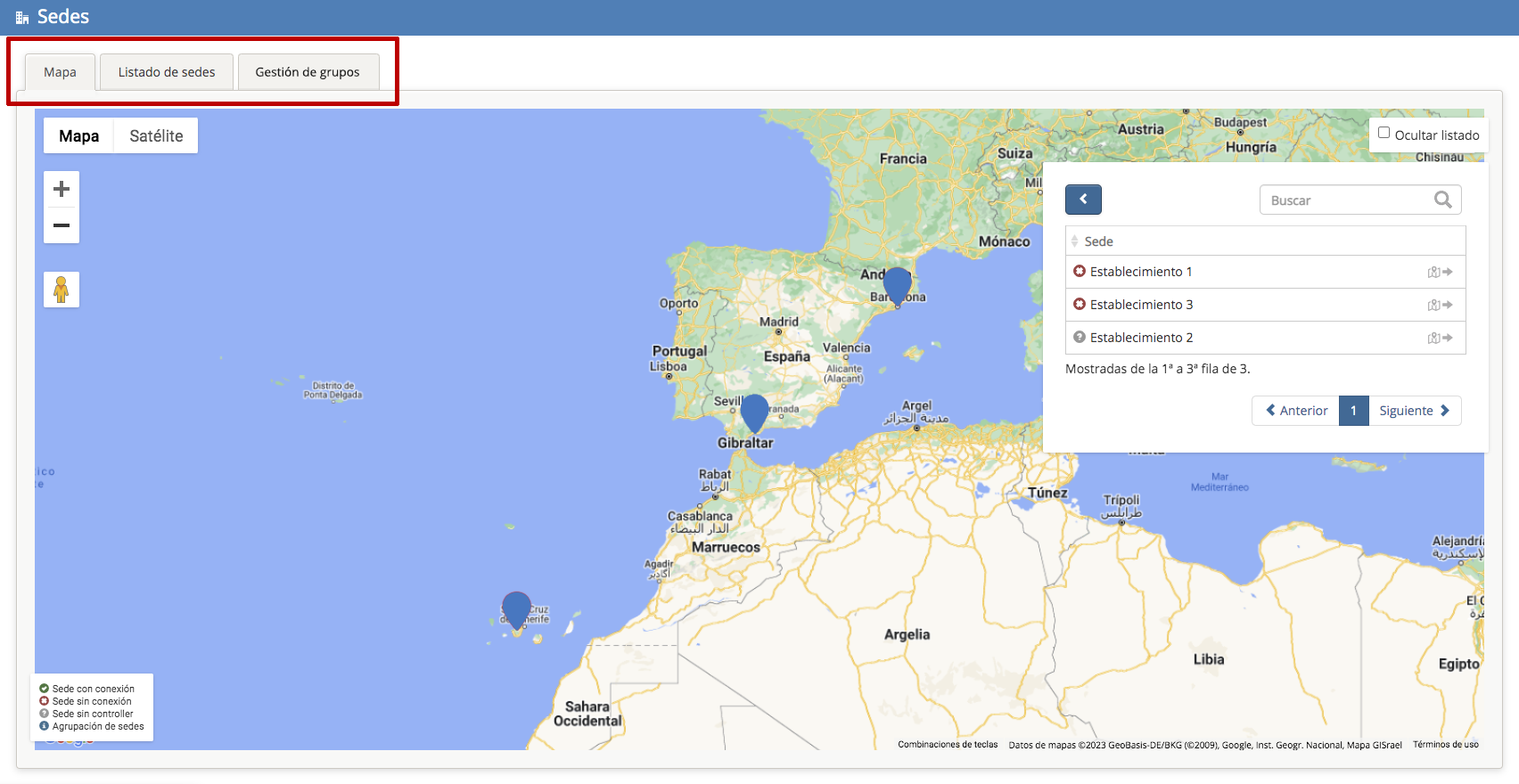
The «Sites» option consists of three sections or tabs:
-
-
Map: Displays all sites belonging to the chain on a map. It also shows the status of each site and allows access to a specific one.
-
-
- Site List: Displays a list of all sites within the chain. You can select one or multiple sites to perform bulk actions, such as changing the logo or legal texts for all of them at once.